Development
What works, what is underway and what has not started, from one status file kept with the code. Operator setup is at the end.
The server decides every outcome, so each system lands on the server first, with automated tests, and reaches the play page once its screen is connected. Matching the original game is ongoing work; “done” below means working in the repository, not complete parity.
Research and direction
CompleteWe surveyed existing Daggerfall reimplementations, earlier multiplayer attempts, the file formats and the licensing questions, then chose a browser client and one authoritative server over a Unity fork.
- Done: Survey of Daggerfall Unity, prior multiplayer projects and browser editions
- Done: Notes on file formats and client options
- Done: Licensing research that separates published terms from recommendations
- Done: Architecture decision: ES modules + WebGL client, one Node process, SQLite
A shared town
CompletePlayers load one exterior town, Gothway Garden, from their own game files, see each other move, talk in a shared chat and return to where they left off.
- Done: Readers for the game’s archive, map, block, model and texture formats
- Done: Server-authoritative movement at 25 Hz with snapshots to every client
- Done: Location chat with length and rate limits
- Done: Characters and their positions saved in SQLite across restarts
- Done: First-person WebGL client drawing the textured town from local archives
- Done: Two-player walkthrough checked end to end in Chromium
Accounts and moderation
In progressPlayers sign in with an account before they enter the world, and the operator can mute, ban and sign out accounts on the running server. A deployment recipe exists; the public host and domain have not been chosen.
- Done: Accounts with name and password, and secure session cookies
- Done: The game socket admits signed-in accounts only
- Done: Login and registration rate limits
- Done: Operator moderation: mute, ban, unban and sign out everywhere
- Done: Docker Compose and Caddy recipe for TLS hosting, with online backups
- Not started: A hosted public server at an announced address
Classic role-playing systems
In progressThe server owns every character record and validates every action, and the play page now has an in-game menu shell. “Done” below means working in the repository and checked by automated tests or a two-session browser check. Matching the original game is ongoing work.
- Done: In-game menu shell with keyboard help and rebindable keys
- Done: Character creation with 160 original portraits from the player’s game files
- Done: A readied weapon drawn in first person from your own game files
- Done: Townsfolk drawn as sprites from your own game files
- Done: Server: inventory, equipment and gold
- Done: Server: townsfolk, merchants, guilds and reputation
- Done: Server: parties, two-sided trades and party, region and global chat
- Done: Server: shared combat, corpse loot and spellcasting, in automated tests
- Done: Travel between Iliac Bay towns, including a browser journey from Gothway Garden to Daggerfall
- Done: Server: a shared world clock, weather and resting
- Done: Two players can visit the same World of Daggerfall wilderness site and return independently
- In progress: Collision with buildings from the server’s game data
- In progress: Combat and magic, checked in the browser against real encounters
- In progress: Building interiors and dungeons behind real doors
- In progress: Original quest offers, journal entries and rewards work for supported scripts. Coverage varies by quest
- In progress: Classic character figures for other players
Your game folder
ARENA2 archives on the player’s disk. The browser reads them through the File API to draw the world and never uploads them.
Browser client
Plain ES modules and WebGL. It parses the map, block, model and texture records and draws the town in first person.
Node server
One authoritative process: accounts, movement at 25 Hz, chat, gameplay rules and moderation, saved to SQLite. It reads the operator’s own ARENA2 copy for world data.
Loading a town
- The player picks a folder. The browser indexes its file names case-insensitively.
MAPS.BSAprovides the location’s exterior grid, which names the town’s blocks.- The block records in
BLOCKS.BSAplace buildings, props and ground tiles. Their model IDs refer to geometry inARCH3D.BSA. - Textures come from the
TEXTURE.###archives and use the game’s palette.
Shared state
Clients send only movement intent, facing and requested actions. The server advances every position on its own clock, checks each action against the character it holds and sends each location’s occupants a snapshot 12.5 times a second. Clients predict their own movement and smooth everyone else’s. The browser rebuilds the visible world from local files in each session; the server reads world data, such as the map of towns for travel, from the operator’s own copy.
Accounts live in their own database file. A signed-in session cookie is required to open the game socket, and moderation changes reach the running server within a few seconds.
- Players can travel between towns and visit shared World of Daggerfall sites. Testing continues across the mod’s placements, dungeon encounters, spells and original quest scripts.
- Parity with the original game is incomplete in every system, and the server trusts the client’s facing.
- Everything runs in one process. Scale is vertical, and updates are scoped by location rather than by distance.
- There is no password reset, because no e-mail address is collected.
Daggerfall’s files belong to their owners. Bethesda made the classic game free to download, but we have found no licence that allows redistributing its files. This project therefore ships none of them: no archives, textures, sounds, music or pre-converted data. Each player supplies their own copy, for example from Steam, and the browser reads it locally. A server operator supplies a separate copy for the server, which is never served to anyone.
Format knowledge comes from published open-source work, mainly Daggerfall Unity (MIT). Any adapted code keeps its upstream notices. The project’s own licence and any donations remain undecided until there is legal clarity.
Unofficial
Daggerfall World has no affiliation with Bethesda Softworks or ZeniMax Media, and they have not endorsed it.
This section is for the people who host the world. Players never run a server; they use the public address. The server needs Node.js 22.13 or later and the operator’s own ARENA2 folder. From the project folder:
npm ci
npm run build
ARENA2_DIR=/srv/daggerfall/arena2 npm start
The server prints its address, by default http://127.0.0.1:8080/, and serves this site, the play page, the account API and the game WebSocket on one origin. Stop it with Ctrl C or SIGTERM; it saves every character first. For a public deployment, use the Docker Compose and Caddy recipe in docs/public-hosting.md, which adds TLS, a read-only game-data mount and backups.
| Variable | Default | Meaning |
|---|---|---|
ARENA2_DIR | unset | The operator’s ARENA2 folder, read-only. Server gameplay reads world data from it: the map of towns for travel, building collision and the doors into interiors and dungeons. Without it, travel offers only a short starter list, collision falls back to an open area and doors cannot be used. It must not be inside a served folder. |
HOST | 127.0.0.1 | Bind address. Keep loopback behind a reverse proxy on the same machine. |
PORT | 8080 | Port to listen on |
WOD_PATH | gamedata/world-of-daggerfall | Extracted World of Daggerfall author source tree. The server reads nearby sites from its regional placements. |
PUBLIC_ORIGIN | unset | The public https:// origin, required on account requests |
TRUST_PROXY | 0 | Set to 1 only when your TLS proxy is the sole way in |
REQUIRE_HTTPS | 0 | Set to 1 to refuse sign-in that did not arrive over HTTPS |
MAX_PLAYERS | 32 | Players allowed in the world at once |
DB_PATH | server/data/… | Characters and world state (SQLite) |
ACCOUNTS_DB_PATH | server/data/… | Accounts and sessions (SQLite, separate file) |
Moderate accounts on the running server with the operator command line:
node server/accounts.js list
node server/accounts.js mute <name> [minutes] [reason]
node server/accounts.js ban <name> [reason]
node server/accounts.js revoke <name>
unmute, unban and show work the same way. Bans and revocations disconnect the player within about two seconds, and every action is logged.
Before opening to the public
Serve the world only over HTTPS through a proxy you control, publish a privacy notice, and decide who moderates. The hosting guide lists the full checklist.
For development, run the server with the website on live reload, then type-check and run the tests:
npm ci
npm run dev
npm run typecheck
npm test
The development server listens on localhost:8080 by default and accepts ALLOW_GUESTS=1 for local testing without accounts. Neither guest entry nor COOKIE_SECURE=0 is accepted outside npm run dev.
On a loopback address, the play page offers the server’s installed ARENA2 folder automatically, from ARENA2_DIR or gamedata/DaggerfallGameFiles/arena2/ in the checkout, so local testers need not choose it. This is a localhost convenience only: it turns itself off behind a proxy, with PUBLIC_ORIGIN, REQUIRE_HTTPS or NODE_ENV=production, or with LOCAL_ASSETS=0. Public players always choose their own folder.
The repository holds deeper write-ups in:
docs/browser-architecture.md: the design decision and loading pipelineserver/README.md: configuration, the wire protocol and persistencedocs/public-hosting.md: deployment, accounts, moderation and backupsdocs/gameplay-protocol.md: how server and browser gameplay features plug indocs/research/: prior projects, file formats and licensing research
Players can start with the player’s guide.
- Painting
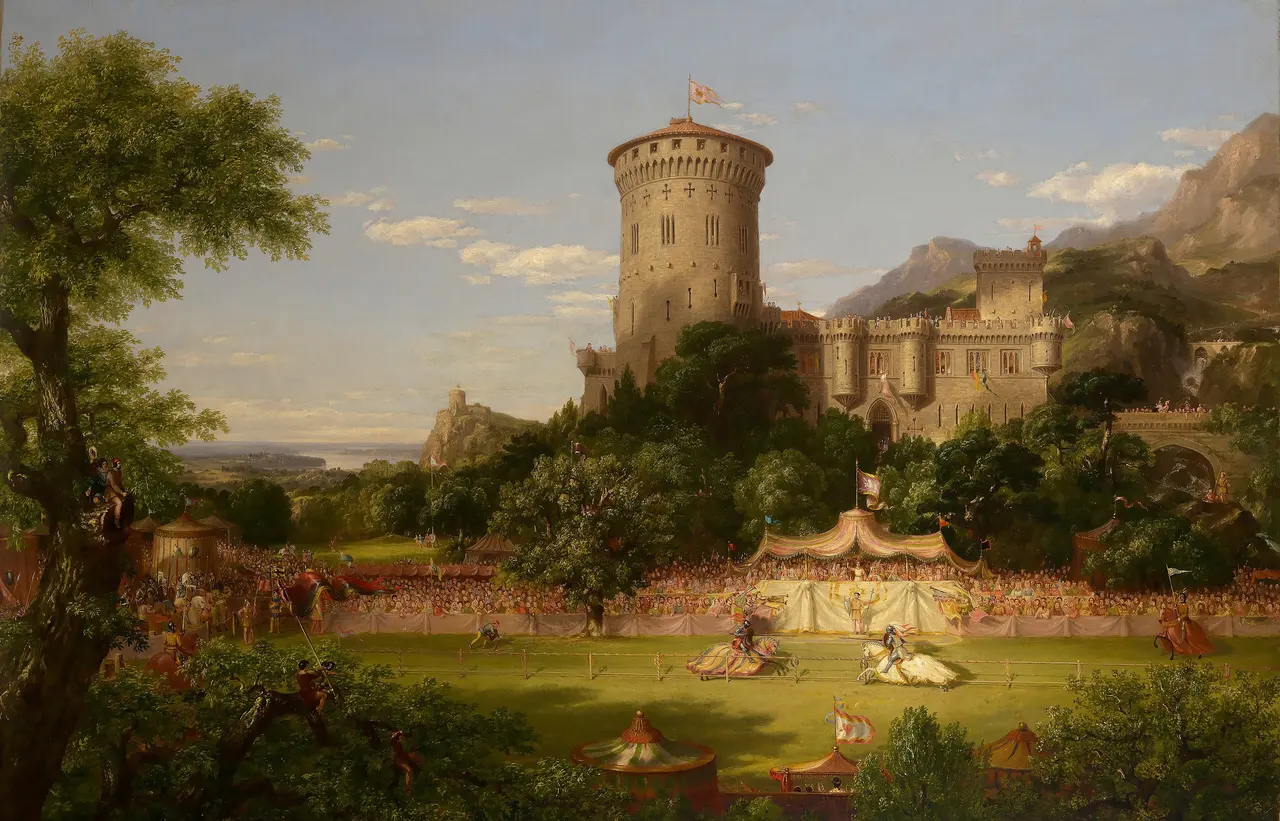
- The Past (1838) by Thomas Cole (1801–1848), oil on canvas, public domain. Reproduction from Wikimedia Commons, which credits Google Arts & Culture. Chosen for its mood; it does not depict Daggerfall or this project’s town.
- Type
- Jacquard 12 (The Soft Type Project Authors), Pixelify Sans (The Pixelify Sans Project Authors) and Silkscreen (The Silkscreen Project Authors), all under the SIL Open Font License 1.1. The files and their licences are served from this site under
/fonts/; no font or script loads from a third party. - Format knowledge
- Daggerfall Unity (MIT) and its contributors.
- Site graphics
- The tower favicon and all other site graphics are original to the project.
